
Run your entire business, catalog & orders inside chat
From showcasing rich product catalogs and automated quick replies to real-time order tracking and encrypted WebRTC calling — explore everything the Miracal Business App offers for solo merchants and growing SME teams.
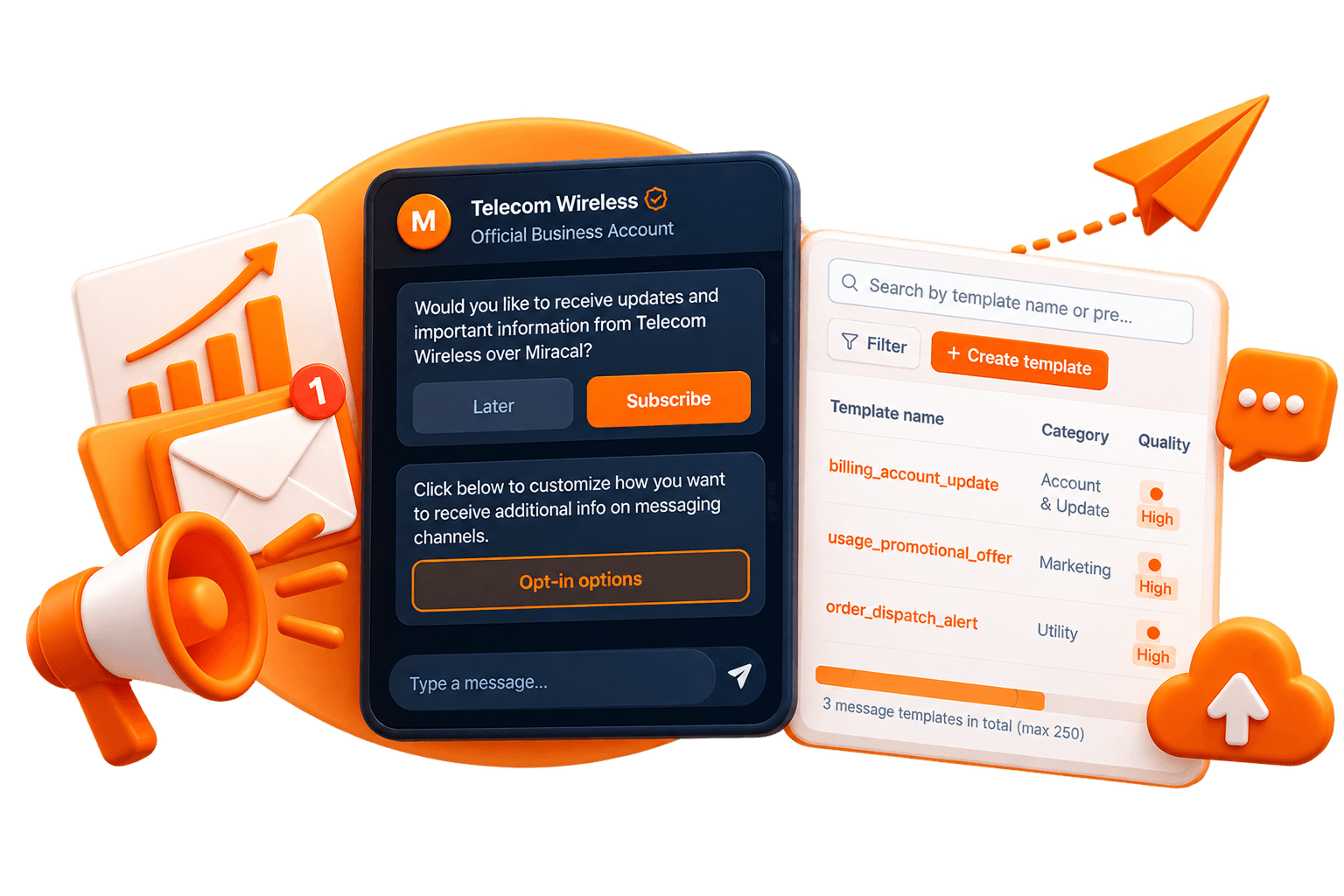
Features Built for Conversational Commerce
Everything you need to catalog products, automate greetings, close sales, and safeguard customer conversations with end-to-end cryptography.
Catalog & Commerce
Turn active chats into tracked orders with an in-app catalog.Rich product catalog
Add products or services with multi-image carousels, pricing, SKU identifiers, and detailed descriptions. Every listing gets a shareable deep link, so you can send a single product straight into a chat, a social post, or a QR code — no separate storefront needed.
Collections & categories
Group inventory into collections (e.g. "Summer Collection," "Bestsellers," "Under ₹500") so customers can browse a large catalog without scrolling endlessly. Ideal for merchants with dozens or hundreds of SKUs.
Order tracking & conversion
Turn an active chat into a tracked order with one action. Every order moves through a clear lifecycle — Pending → Confirmed → Shipped → Delivered → Cancelled — so you and your customer always know exactly where things stand, without digging back through chat history.
Why it matters: Most small businesses either lose track of orders in a scrolling chat thread or maintain a separate spreadsheet. This keeps the conversation and the transaction in the same place.
Automation & Lead Management
Run a 24/7 sales pipeline without needing an expensive CRM.Automated greeting messages
First-time customers — and anyone who's gone quiet for 14+ days — automatically get a welcome message, so no lead sits unacknowledged even if you're mid-conversation with someone else.
Away / out-of-office responses
Set a scheduled or manual away-message for outside business hours. Customers get an immediate response even at midnight; you get to actually close for the day without losing the inquiry.
Slash-command quick replies
Type /hours, /pricing, /bank, or /location to instantly send a pre-written answer to the questions you get asked ten times a day — no retyping, no copy-pasting from notes.
Color-coded customer labels
Tag conversations as New Lead, Order Pending, Paid, or VIP Customer to build a lightweight sales funnel directly inside your chat list — filter by label to see exactly who needs a follow-up.
Why it matters: This is the difference between 'answering chats' and actually running a sales pipeline — without needing a separate CRM tool or spreadsheet.
Secure Messaging & Media
End-to-end encrypted messaging designed for conversational commerce.End-to-end encrypted everything
Text, voice notes (with waveform playback), HD photos, videos, PDF documents, and stickers are all end-to-end encrypted — meaning only you and your customer can read them, not even Miracal.
Ephemeral business status
Post time-limited status updates (like a story) with viewer metrics, so you can see who's actually engaging with your announcements before they auto-expire.
Broadcast lists & channels
Send one message to a whole customer segment at once (a broadcast list) or publish ongoing one-to-many updates through a dedicated channel — useful for restocks, sales, or announcements without spamming individual chats.
Live location sharing
Share real-time GPS location with background updates — useful for delivery coordination, service-at-home businesses, or meeting a customer in person.
Why it matters: Every one of these features works the same way a customer already expects from a messaging app, but with commerce and privacy built in from the start.
Calling
Crystal-clear voice and video calling when text isn't enough.One-to-one and multi-party calling
Built on WebRTC with SFU (Selective Forwarding Unit) media routing, so group calls stay smooth and reliable even with multiple participants — not just muffled two-person calls.
Native call handling
Custom incoming/outgoing ringers and background call notifications mean a customer call never gets missed just because the app wasn't open.
Why it matters: Some conversations — a complex order, a service quote, a complaint — genuinely need a voice, not just text. This keeps that option one tap away, without leaving the app.
Multi-Device & Backup
Grow from a single phone to a synchronized team workspace.Secure Web/Desktop pairing
Link a companion Web or Desktop client via a QR-code cryptographic handshake — session keys are never exposed during pairing, so linking a second device doesn't weaken your security.
Encrypted cloud backup
Your full chat history, media, and catalog back up securely to Google Drive — so switching phones, or recovering from a lost device, doesn't mean losing your business history.
Bilingual support
Full English and Hindi localization, switchable at any time.
Why it matters: A business isn't run from one phone forever — this lets you grow into a team, or recover from a lost device, without starting over.
How to Get Started
Go from download to taking your first in-chat order in six straightforward steps.
Step 1 — Download and Install
Get Miracal Business App from the Play Store (Android) or App Store (iOS).
Step 2 — Set Up Your Business Profile
Complete the guided, two-step onboarding: your business name, category, and operating hours. This becomes the public-facing profile customers see when they start a chat with you.
Step 3 — Build Your Catalog
Head to Business → Catalog and add your first products or services — image, price, description, and SKU if you track one. Organize them into collections as your catalog grows.
Step 4 — Configure Your Automations
Set up your greeting message and away-message so you're never unresponsive, and define your quick replies for the questions you answer most often.
Step 5 — Share Your Link or QR Code
Every business gets a direct chat link and QR code — put it on packaging, social media, a counter display, or an ad, and customers can start chatting with one tap or scan.
Step 6 — Track Orders as They Come In
As chats turn into sales, move them through your Orders dashboard — from Pending through to Delivered — so nothing falls through the cracks.
Next Steps for Scaling Your Storefront
Once you're set up, revisit Labels to start organizing your incoming leads into sales stages, and use Broadcast once you have a customer list worth messaging as an engaged group.
Download Miracal Business App Today
Connect with your customers directly, showcase your catalog, and turn every chat into a tracked order with end-to-end encryption.